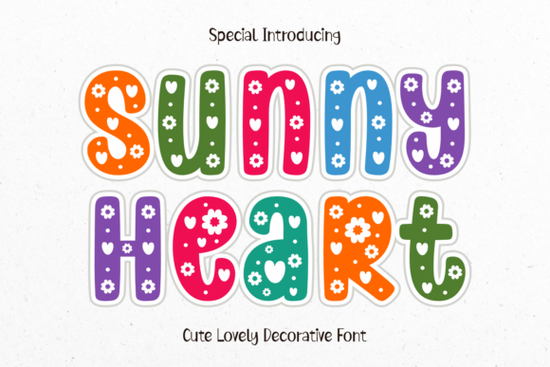
If you are looking to add a touch of warmth to your next paper craft or digital project, the Sunny Heart Font offers a beautifully detailed solution. This typeface brings together floral motifs and tiny heart accents to create a cheerful, celebratory feel. Instead of spending hours searching for the right embellishments, you can simply type out your message and let the intricate letterforms do the decorating for you.
How does this typeface improve scrapbooking and card making?
When working on Valentine’s Day cards or festive classroom decorations, you need text that stands out on its own. Because each character is already adorned with delicate flowers and dots, you do not need to layer extra clip art over your titles. This saves a tremendous amount of time when you are assembling a complex scrapbook page or designing a batch of greeting cards. For crafters cutting these designs on a digital die-cutting machine, the solid fills of the letters ensure clean cuts without tiny, fragile pieces breaking off. You can pair it with a softer, simpler typeface for the body text, like the floral circle monogram style, to keep the overall layout balanced and readable.
What color palettes work best for highly detailed lettering?
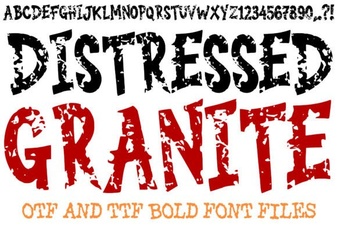
The intricate details in this specific typeface really shine when you apply a vibrant, multi-colored palette. Since the letters contain built-in floral and dot elements, using a gradient or switching colors mid-word highlights those tiny accents beautifully. When designing for print-on-demand products like tote bags or ceramic mugs, high contrast is your best friend. A dark background with bright, neon, or pastel text can make the floral elements pop significantly more than a plain white background. If you are aiming for a more rustic or vintage vibe for a different project, you might want to explore something like the distressed granite lettering to contrast the bright, sweet aesthetic of your current design.
Is it easy to use for beginners and small business owners?
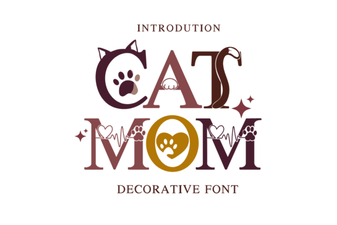
Yes, despite the complex look of the final output, the actual typing and formatting process is very straightforward. You just select the text tool, choose this typeface, and type. It instantly transforms plain words into a cheerful work of art. You do not need to be an expert in vector illustration to make this work, as the software handles the complex shapes automatically. This is especially helpful for small business owners who need to create quick social media graphics or promotional banners without advanced design skills. It is also a great companion to other niche fonts you might use for specific product lines, such as the cat mom typography when designing pet-related merchandise.
Where can I find more decorative options for my projects?
Building a versatile font library means having a few highly decorative options for titles and simpler ones for body copy. You can easily browse more options by checking out the sunny heart typeface page directly on the marketplace to see the full character map and licensing details.
Before you start your next design, keep this quick checklist in mind to get the best results:
- Test your colors: Apply a multi-colored gradient to see how the built-in flowers and dots react to different hues.
- Check the size: Highly detailed letters need to be large enough so the tiny heart accents remain visible when printed.
- Pair wisely: Keep your body text simple and clean to let the decorative title stand out.
- Verify the license: Make sure to verify the license before selling physical or digital products to ensure commercial use is covered.
Start by typing out a short, festive phrase and experimenting with a bright color palette to see how the details come to life on your screen.
Try It Free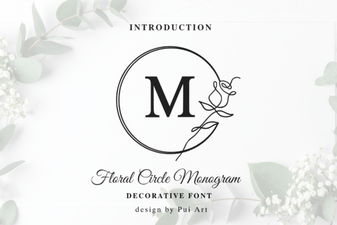 Floral Monograms for Custom Designs
 Fonts for the Modern Cat Mom
 Rocky Textures for Modern Design Projects
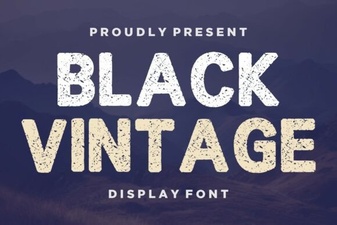 Creative Vintage Font Projects for Modern Designs
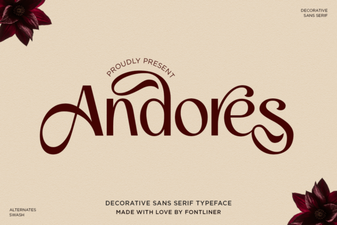 Andores Font: a Modern, Creative Typeface for Design
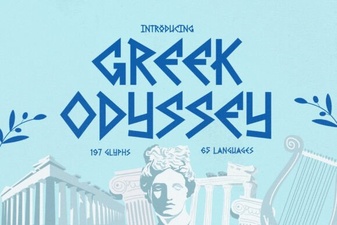 Design with the Greek Odyssey Font