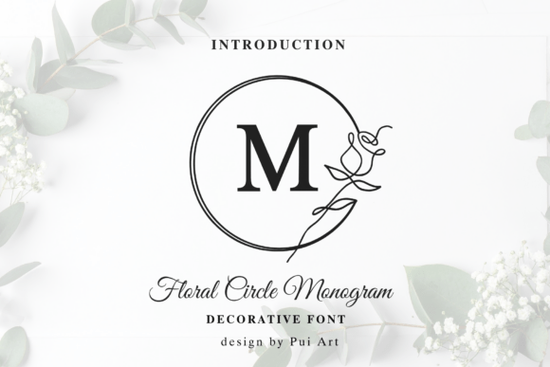
Creating a custom monogram usually requires hours of drawing or expensive custom illustration. If you want to design instant logos or personalized wedding stationery without those hurdles, the Floral Circle Monogram Font offers a ready-made solution. This decorative typeface blends classical serif elegance with delicate botanical line art, giving you a polished look right out of the box.
How does the design of this monogram typeface work?
Each letter is nestled within a gracefully hand-drawn circular frame. Instead of basic geometric shapes, the frame is accented by a single, continuous-line rose. This means every character you type already looks like a finished emblem. For crafters and small business owners, this saves a massive amount of time. You do not need to manually draw wreaths or adjust kerning to fit a circle. The Floral Circle Monogram Font handles the layout for you, making it incredibly easy to produce high-end lifestyle branding or custom gifts for friends. If you want to explore more options in this specific style, you can always check out the Floral Circle Monogram collection for additional variations.
What projects work best with circular botanical letters?
Because of its romantic and sophisticated feel, this typeface shines in specific applications. Here are a few ways designers and print-on-demand sellers use it:
- Wax seal designs: The circular frame mimics the shape of a traditional wax stamp perfectly.
- Wedding stationery: Use it for monogrammed envelopes, save-the-dates, and menu cards.
- Luxury packaging: Add a touch of floral romance to candle labels, soap wrappers, or boutique shopping bags.
- Social media profile icons: Create a cohesive, elegant brand mark for Instagram or Pinterest.
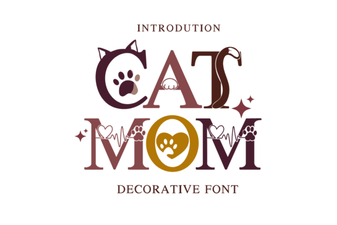
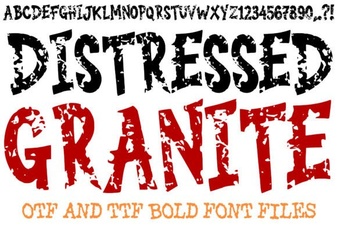
If you are building a brand identity and need a few different typographic styles, you might also explore a cheerful script like the Sunny Heart style for a more playful vibe. On the other hand, if you want something with a bit more rustic texture for your packaging, the Distressed Granite look provides a great weathered effect. For highly niche products, you can even mix in something specific like the Cat Mom design to target a specific audience on your merchandise.
How should you pair this font with secondary text?
When working with highly detailed decorative fonts, the surrounding text needs room to breathe. To achieve a high-fashion or modern boutique look, pair your monogram with a clean, modern sans-serif for secondary text. The intricate botanical details of the main letters will stand out much better against simple, uncluttered body copy. Avoid using another ornate font for your paragraphs, as it will make the design feel cluttered and hard to read. Keep your secondary text light, using a regular or light font weight to maintain a sense of luxury and professionalism.
What file formats and software do you need?
Before downloading, it is always smart to check your software compatibility. This typeface typically comes in standard formats like OTF and TTF, which work seamlessly across most design programs. Whether you are using Adobe Illustrator, Photoshop, Canva, or Cricut Design Space, you can easily install and use the letters. Just remember that for cutting machines, you might need to weld or attach the overlapping lines depending on the specific software you use. Always do a quick test cut on paper before committing to your final material.
How can you ensure your monogram designs look professional?
Here is a quick checklist to keep in mind when working with circular monograms:
- Check the scale: Make sure the font is large enough so the delicate line art remains visible when printed.
- Mind the margins: Leave plenty of negative space around the circular frame so the design does not feel cramped.
- Test in black and white: Before adding color, ensure the design holds up in a single color for wax seals or foil stamping.
- Keep secondary text simple: Let the monogram be the star of the layout.
Start by typing out a few initials in your design software to see how the continuous-line rose connects. Adjust the tracking slightly if needed, and you will have a beautiful, ready-to-use brand mark in minutes.
Try It Free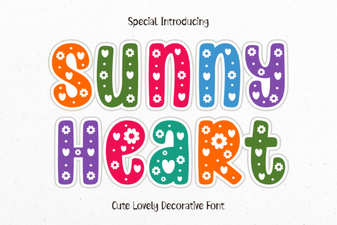 Sunny Heart Font: Creative Uses for Web Design
 Fonts for the Modern Cat Mom
 Rocky Textures for Modern Design Projects
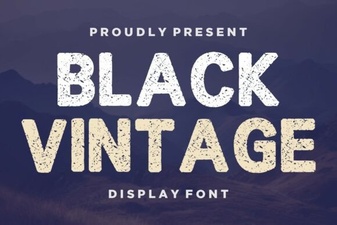 Creative Vintage Font Projects for Modern Designs
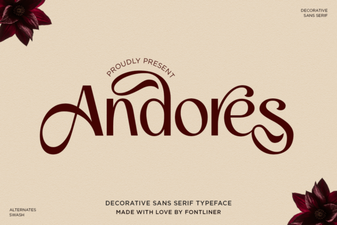 Andores Font: a Modern, Creative Typeface for Design
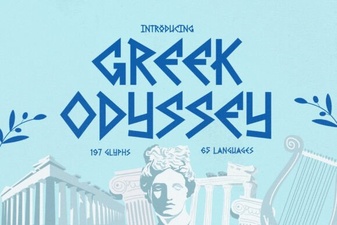 Design with the Greek Odyssey Font